Changing the route for one of the buttons on the Product page

0
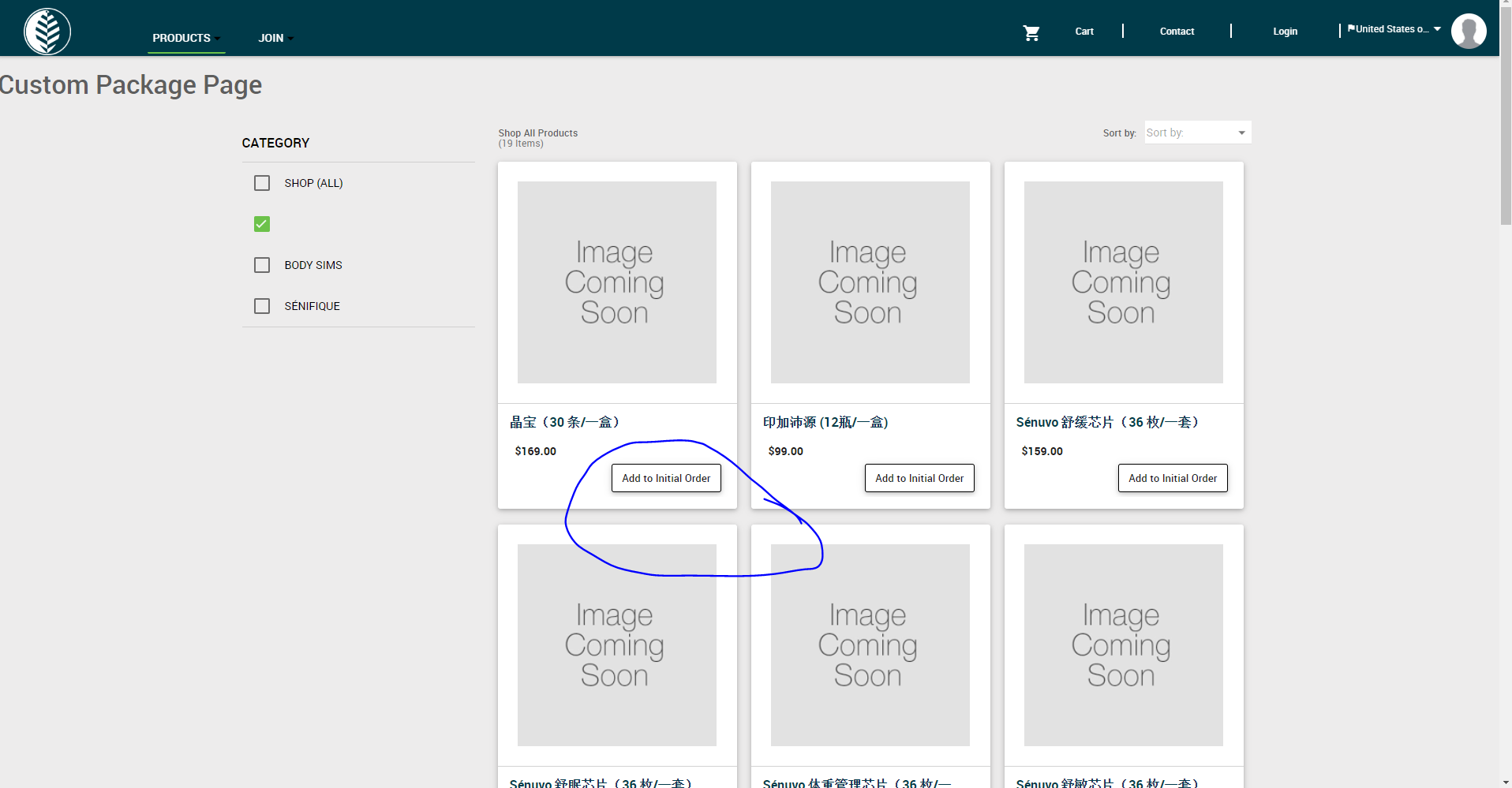
I would like to change the button route on my custom product page. However, I do not see any buttons tag on my custom product html page.
For my custom product page, I just used the template and then find product page. I did not make any changes on that template page.
Would you be able to assist me to find that button? thanks
Comments
Akshay Bohra Does your team have insight that might help?
Joseph Chu
I found two mistake in Custom ProductDetails page setup
1 : Custom Page Setting (Override Base page to Custom page) was OFF https://monosnap.com/file/gMrlV9HPBdYGRUJtba72qvwGJNPIl8.
2 : Wrong ProductDetail page url was setup inside url textbox so i corrected it by changing
custom-Product Details -> custom-productdetails https://monosnap.com/file/aqX3g5ZKFvC0pDBpRZCfy3Y6IuKuDU
Now it's working fine and showing your custom page.
Thank you for setting it up for me! Right now I having my custom product page and custom product detail page.
On the custom product page, I wanna set it up like if my products are in the pack category; the user clicks that product and then it will route to my custom product detail page, otherwise it will go to default product detail page. Is there any suggestion that you can give it to me in this situation?
thanks
Akshay Bohra Do you have any suggestions for the last comment from Joseph?
Please sign in to leave a comment.